Hugo: How to Install Share Buttons in Your Posts
Prerequisites
- Code Editor: A software used for editing code. Can be anything from Sublime Text, Visual Studio Code, Atom, or another texteditor. For this tutorial, I personally used Visual Studio Code.
The installation steps.
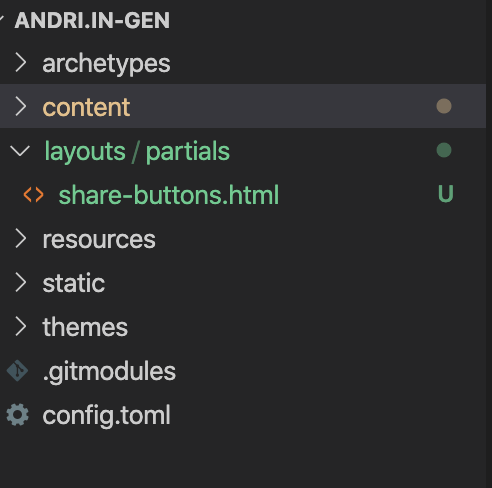
- Download the file share-buttons.html and save it under the folder
layouts/partialsdirectory of your project.
- Add the following line to your layout on the place where you want the share button appear.
{{ partial "share-buttons.html" . }}In my theme (coder) it should be placed in the
layout/posts/single.html. - Reload your browser and find the link on the end of your posts.